Your Profile Settings
Manage your personal information, update contact details, and secure your account. Your privacy is our priority, and we ensure all your data is handled with the utmost care.
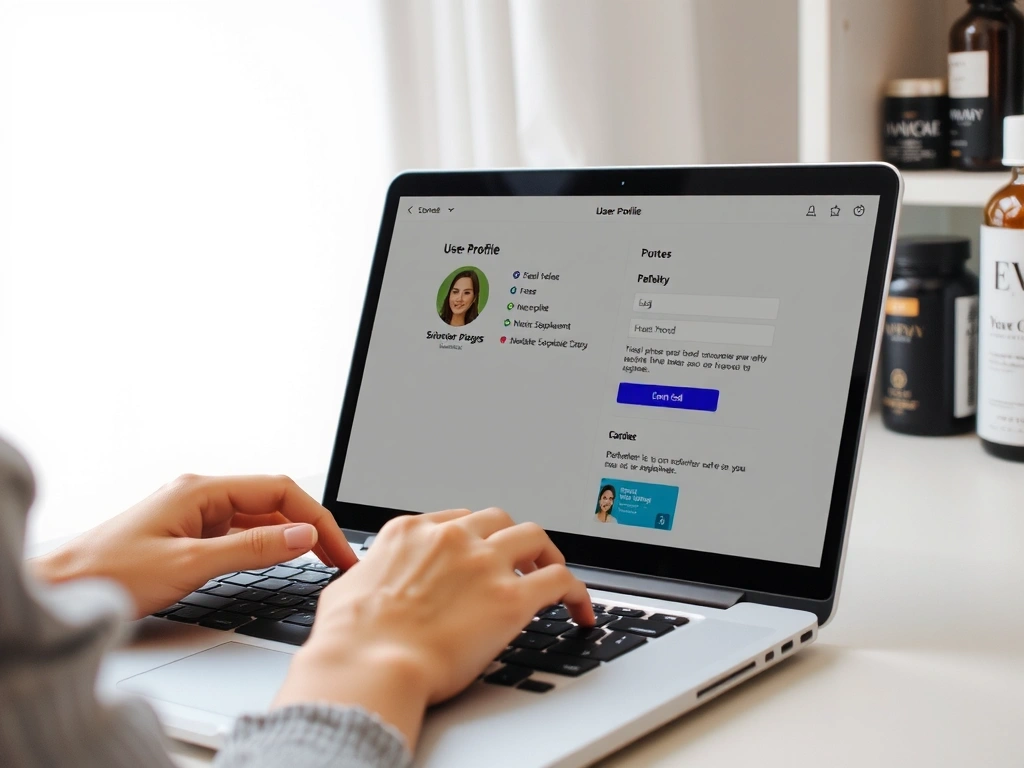
Why Your Profile Matters
Maintaining an accurate and up-to-date profile ensures a seamless experience with Health & Beauty Essentials. From faster checkouts to personalized recommendations, a complete profile enhances every aspect of your journey with us.
- Personalized Recommendations: We can suggest products tailored to your preferences.
- Enhanced Security: Regular password updates protect your account from unauthorized access.
Frequently Asked Questions About Profile Management
To change your email address, navigate to the "Email Address" field in your profile settings, enter your new email, and click "Save Changes". A confirmation email will be sent to your new address to verify the update.
If you forget your password, you can reset it by clicking the "Forgot Password" link on the Login/Register page. Follow the instructions sent to your registered email address to create a new password.
Absolutely. We utilize industry-standard encryption and security protocols to protect your personal data. Your information is stored securely and is never shared with third parties without your explicit consent. For more details, please review our Privacy Policy.
Currently, our profile management allows for one primary shipping address. However, during the checkout process, you will have the option to specify a different shipping address for a particular order if needed. We are working on expanding this feature for future updates.